Baseline Indicator on Nodes
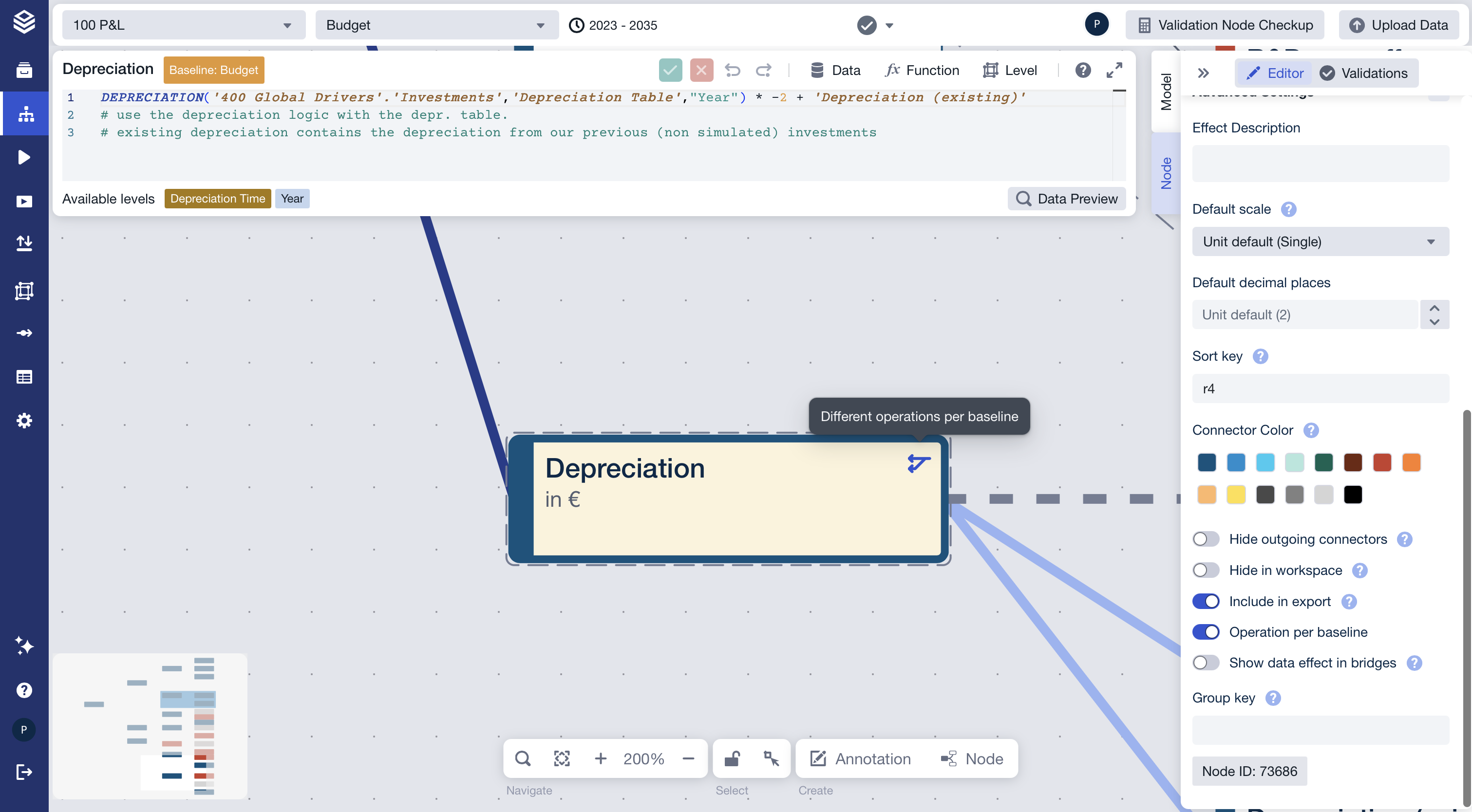
When a node has "Operation per Baseline" enabled, an indicator icon appears next to the node's warnings area to show whether the baselines are actually producing different results.
How to enable
Two settings must be active for the indicator to appear:
In the Node Editor, open Advanced Settings and turn on the Operation per Baseline toggle.
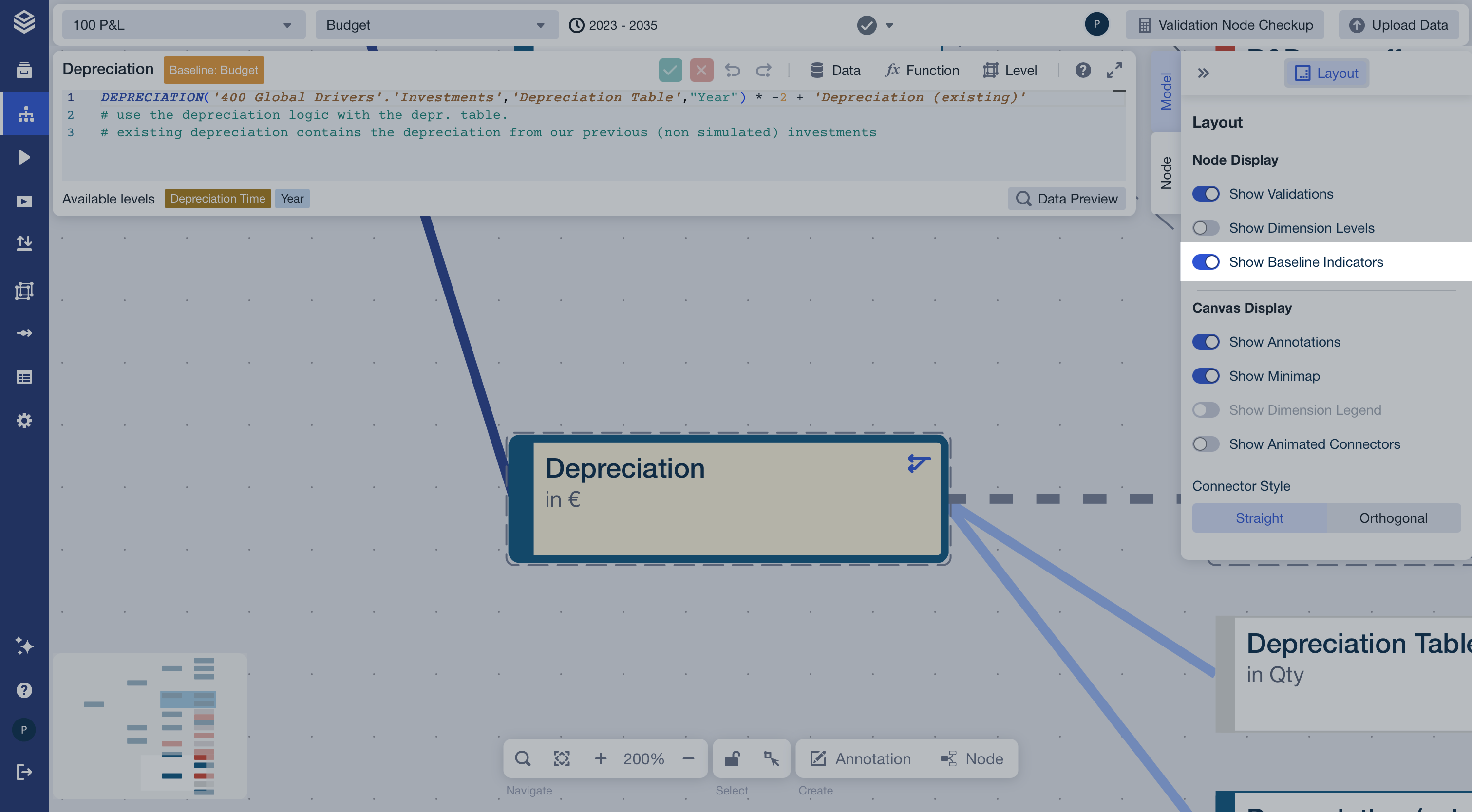
In the Model tab of the Editor, go to Layout → Node Display and turn on the Show Baseline Indicators toggle.