Warnings on Nodes
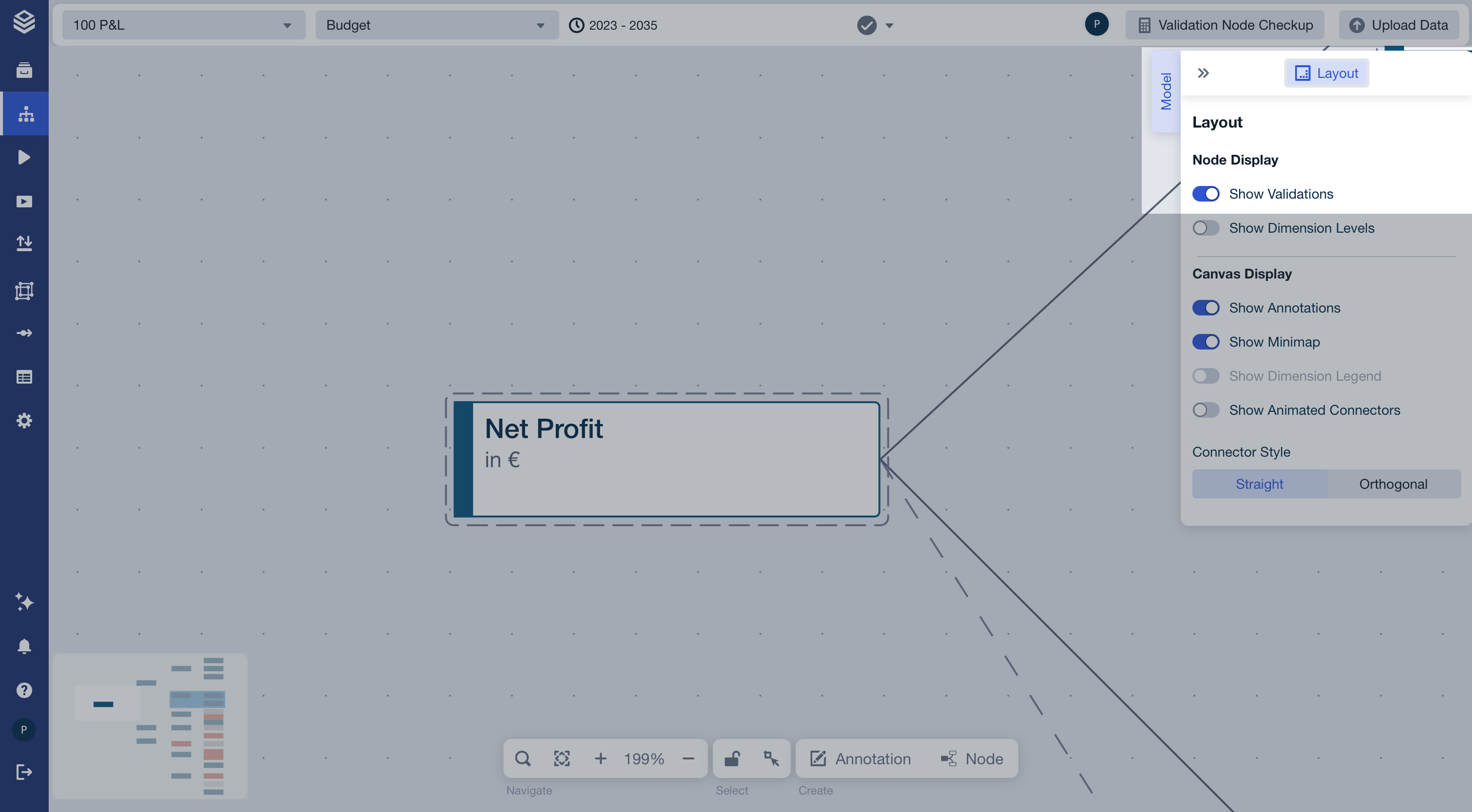
Nodes with active validation errors display a warning icon in their top-right corner. This lets you spot and address issues directly in the Model Editor without opening the central validation view.
What it shows
A single icon appears per node, regardless of how many warnings exist
Hover the icon to see the tooltip: "Validation warning(s)"
Click the icon to open a dialog listing all validation warnings for that node
Show / hide
Toggle visibility via the Model Tab → Layout → Node Display → Show Validations. Icons are shown by default. This setting is saved per user and project.