
Overwriting Scenario Variables
Variable values defined at the project level can be overridden per scenario in the Scenario Manager. This makes it possible to simulate different planning assumptions, such as a different start year or growth rate, without modifying the underlying model.
When to use it
When key assumptions differ between scenarios and should not affect the shared model
When you want to quickly compare outcomes across scenarios by adjusting a single value
When you need to lock a variable value for a scenario, independent of future changes to the project default
How it works
Each scenario can carry its own version of a variable value, independent of the project-level default. The Scenario Manager displays the number of overridden variables per scenario, giving a quick overview of where scenarios diverge from the baseline.
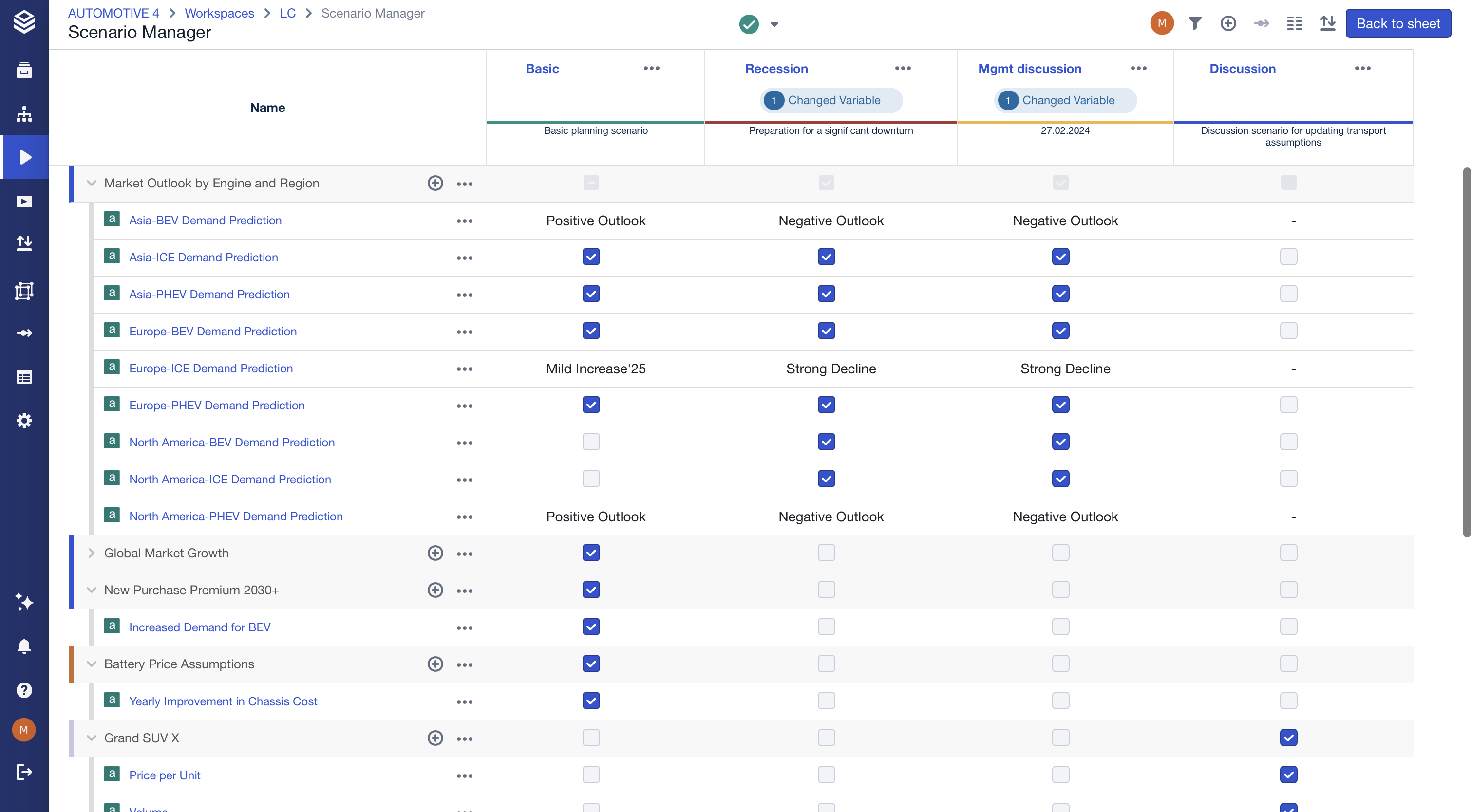
Overwriting a variable
Open the Scenario Manager and edit the desired scenario. The Manage scenario window allows you to change scenario settings (name, description, based on, color) as well as the values of scenario variables.
Pinning a variable value
By default, a scenario variable dynamically follows the project-level default. To freeze it at a specific value — so it stays the same even if the project default changes later — simply type the desired value directly into the scenario variable field.
For example, if the current period is set to 2026 at the project level and you want a specific scenario to always use 2026 regardless of future updates, enter 2026 manually in that scenario's variable field. From that point on, the scenario will retain 2026 even if the project default changes to 2027.
To go back to following the project default dynamically, clear the value from the input field.
Limitations

Sharing scenarios with overwritten variables is not supported. The scenario can be shared, but overwritten values are not transferred. Variables must be set manually in the receiving scenario.