
Project Variables
Project variables let you define shared values once — for time, data sources, or any other shared input — and reuse them across models and scenarios. They keep models consistent, flexible, and easy to maintain.
When to use it
When node operations depend on values that may change over time (e.g. project start year, a shared growth rate)
When the same value is referenced across multiple nodes and must stay synchronised
When you want scenarios to use different variable values without rebuilding the model
How it works
Project variables act as central placeholders for values. They can be defined at the project level, used inside node calculations, and overwritten per scenario when needed.
There are two types:
System variables — predefined by Valsight and derived from project settings (e.g.
$PROJECT_HORIZON_START). Shown in blue; configured via project settings only.Custom variables — created and named by users with values they define. Variables can hold numeric or non-numeric values.
Changing a variable's value in one place automatically updates all calculations that rely on it.
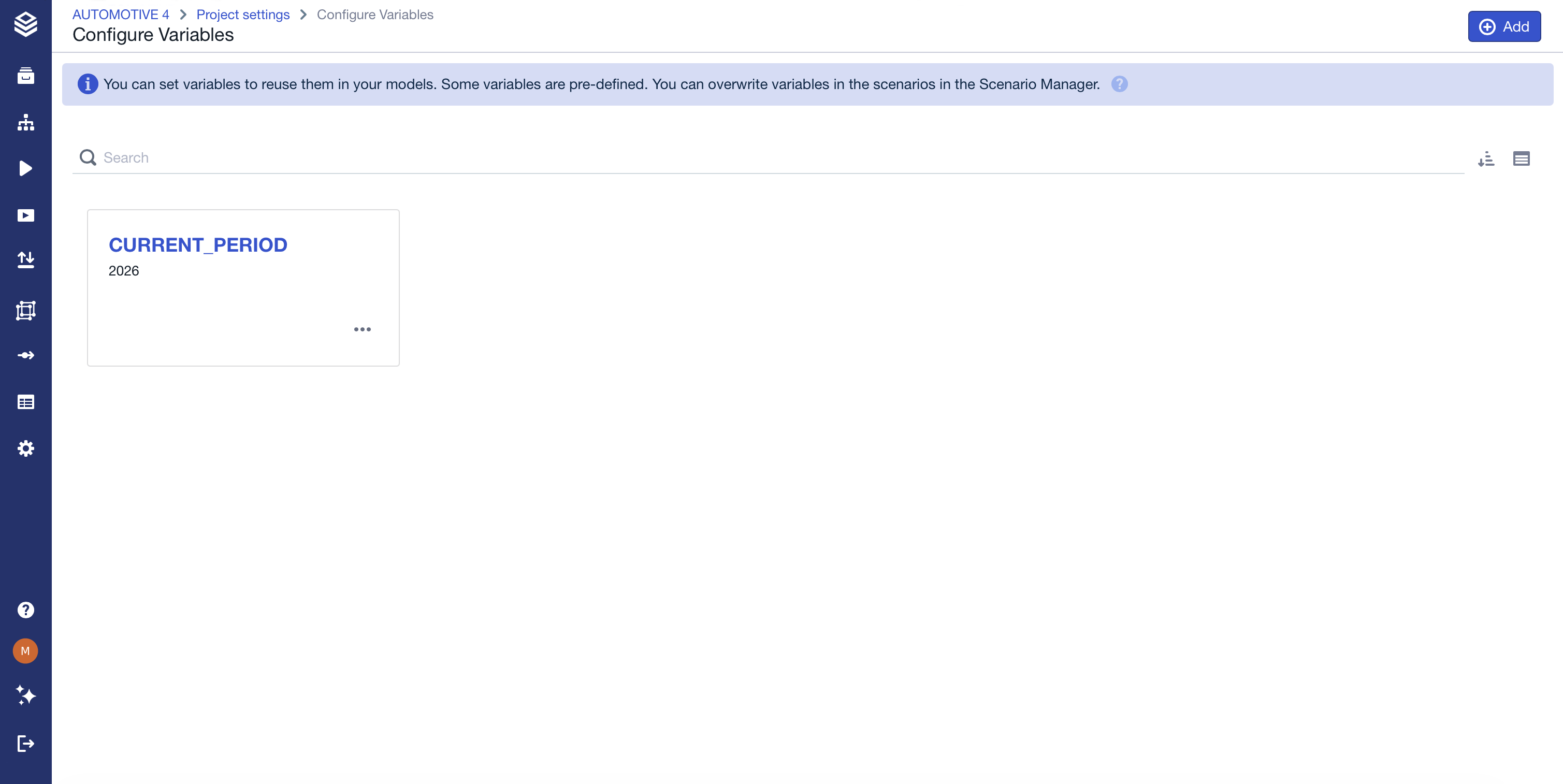
Creating a variable
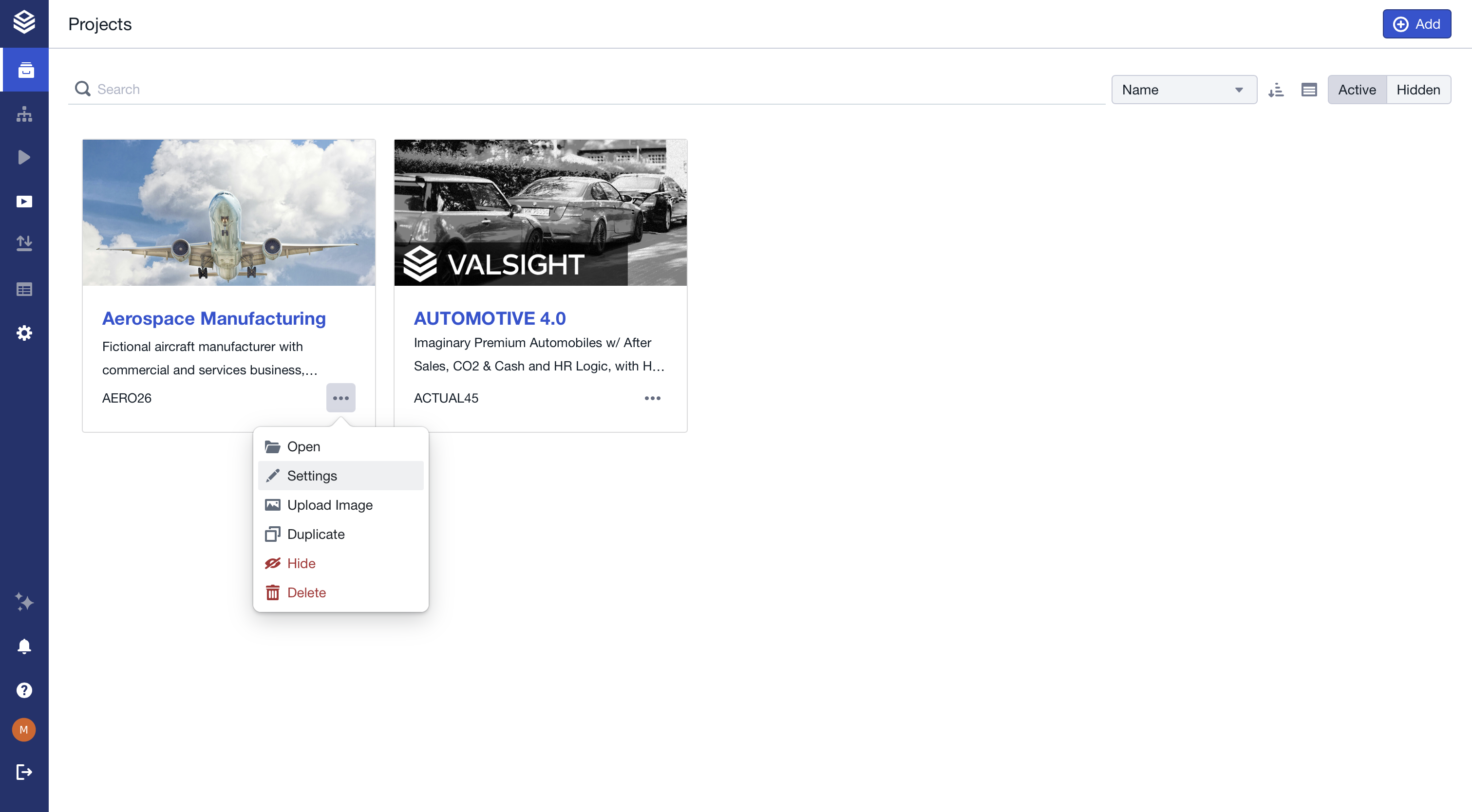
Custom variables are created in Project Settings > Configure Variables > Configure Variables Overview.

Naming restrictions
The first character must be a letter. The remaining characters can be letters (upper or lowercase), numbers, underscores, or dashes.
Available system variables
System variables are available in every project and are not shown on the variable overview page. They are configured via project settings, under Time Settings
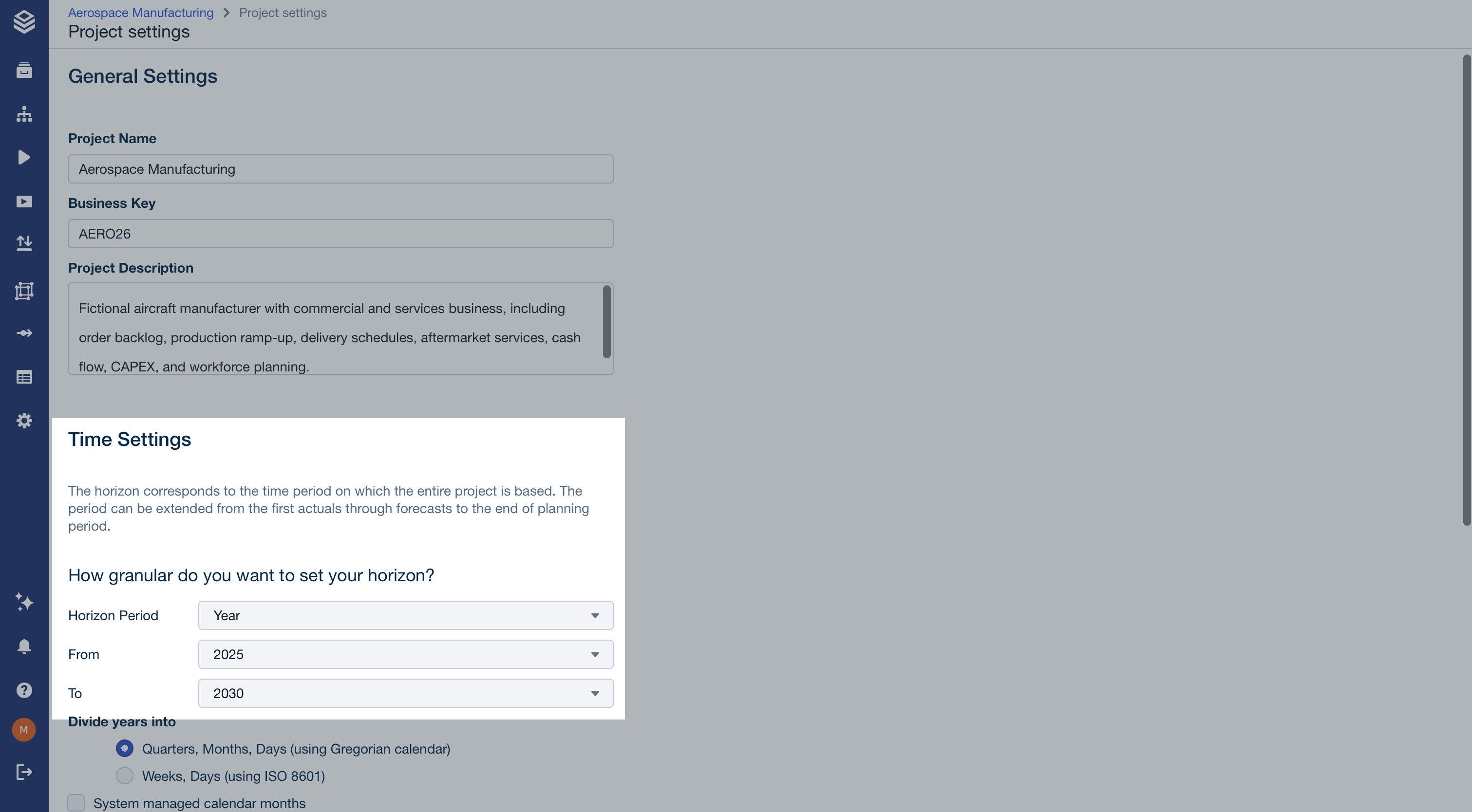
Time Setting | Variable | Value | Example Value |
|---|---|---|---|
Horizon Period |
| The project's horizon period from time settings. | "Year" |
From |
| The start value of the project time horizon. | "2025" |
To |
| The end value of the project time horizon. | "2030" |
Current period |
| The current period of your project. | "2026" |
Custom Variable |
| User-defined value. |
Limitations & edge cases
Sharing scenarios with overwritten variables is not supported.
Variable names must follow naming rules to be usable in formulas.
System-defined variables are managed through project settings and cannot be directly edited elsewhere.
FAQ
Why should I use project variables instead of fixed values?
They make models easier to maintain by centralizing key value management.
Can variables be different per scenario?
Yes. Variables can be overwritten at the scenario level.
What happens if a project variable changes?
All calculations using that variable update automatically, unless a scenario has pinned its own value.
Are all variables visible in the same place?
Custom variables are listed in the variable overview. System variables are configured via project settings and are not shown on the variable overview page.