
Workspace Validation
Check that your workspace scenarios and model logic function correctly together.
Overview
Workspace validation tests for issues that standard model validation cannot detect. It evaluates your model's validation nodes across all active scenarios, catching logical errors that only surface when scenarios interact with model logic.
When to use it
After creating or modifying scenarios, to verify that results remain consistent
When investigating unexpected values in workspace charts or reports
As a routine check before sharing or presenting workspace results
How it works
Workspace validation checks two things:
Validation nodes: It evaluates the conditions defined in your model's Validation Nodes across all active scenarios, catching logical errors that only surface when scenarios interact with model logic.
Line-item dimensions: It checks whether line-items added in scenarios have dimensional problems, such as referencing dimensions or level values that do not match the target node's shape or do not exist anymore.
This provides a deeper check than model validation, which only verifies syntax and structure.
Running a workspace validation
Open a Workspace or the Scenario Manager.
Click the validation icon.
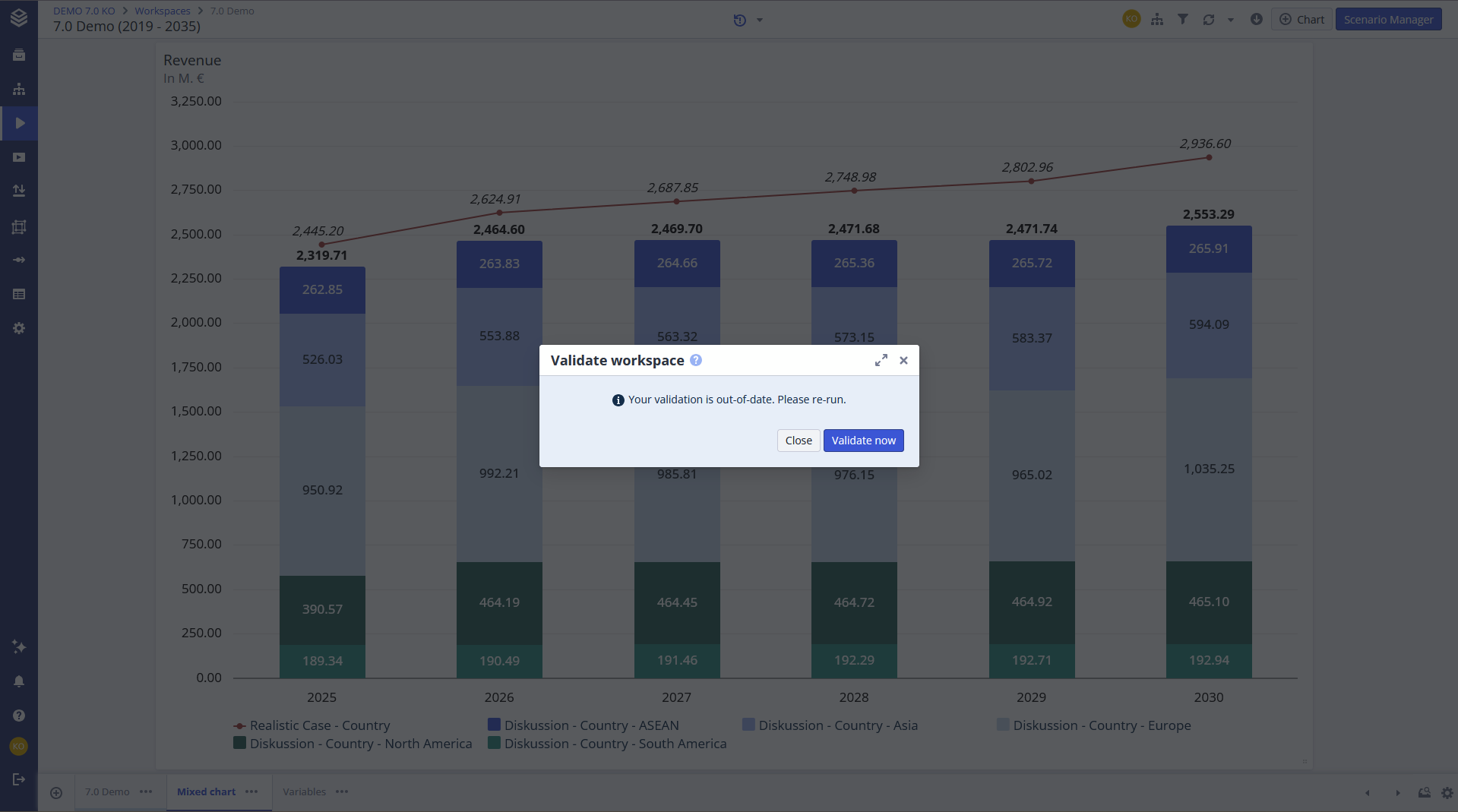
Workspace validation can also be set to run automatically, removing the need for manual checks.
Validation states
Symbol | Status | Meaning |
|---|---|---|
 | Valid | The workspace, its charts, and all scenarios are working correctly. |
 | Invalid | The workspace or its components have issues. Click the icon to see details. |
 | Out of date | Changes have been made since the last validation. Only shown when validation is set to manual. |
FAQ
How does workspace validation differ from model validation?
Model validation checks formula syntax and data compatibility. Workspace validation checks whether validation node conditions are met across active scenarios and if the dimensions between line items and nodes align.
Do I need validation nodes for workspace validation to work?
Not strictly. Workspace validation also checks line-item dimensions independently. However, validation nodes are needed if you want custom result-level checks across scenarios.
Can I automate workspace validation?
Yes. Validation can be configured to run automatically when changes are made.
Related documentation
Model Validation: check model syntax and data compatibility
Validation Nodes: define the custom conditions that workspace validation checks